Manual

The CRM One360 manual, step by step.

Every screen of the program with real screenshots, explained one by one: where it is, what it is for and how to use it.

PDF · 64 pages · 4.2 MB · version 0.1.3 · October 2026

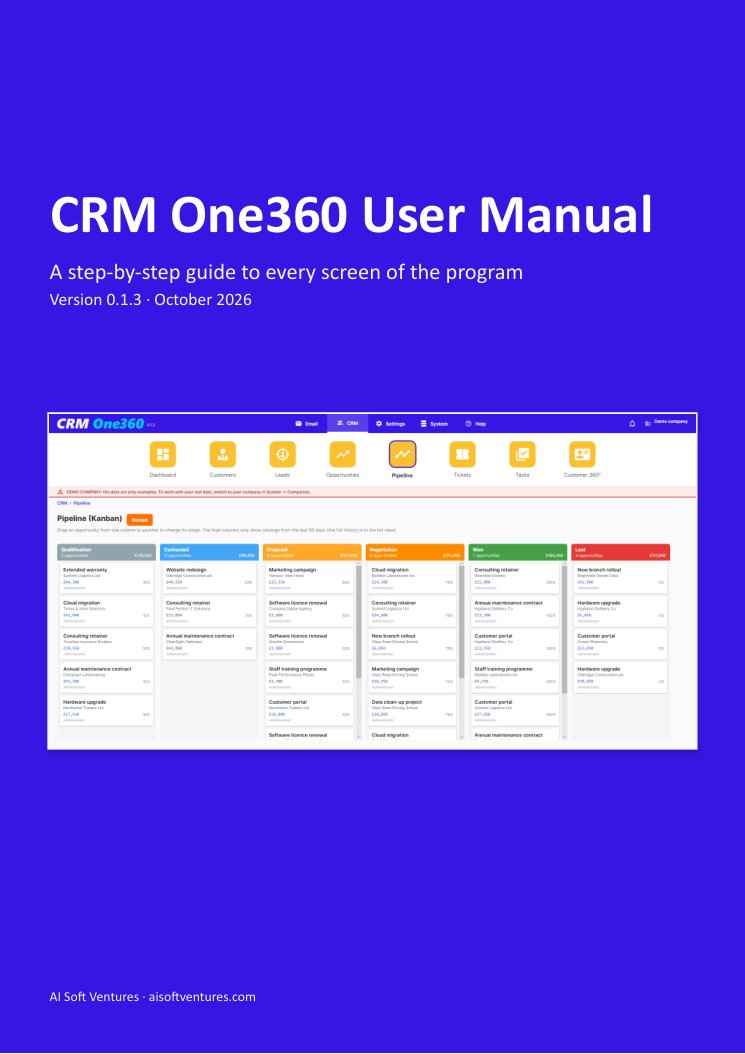
Cover of the CRM One360 manual
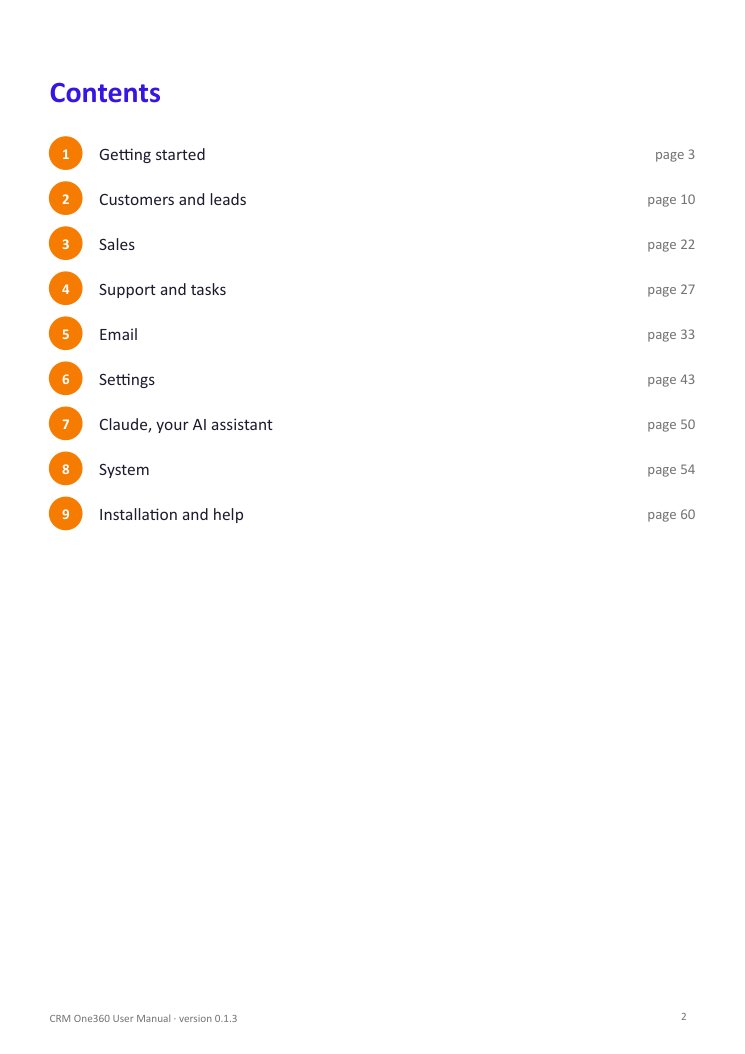
Contents

Nine chapters, from the first steps to installation.

  1. 1Getting started
  2. 2Customers and leads
  3. 3Sales
  4. 4Support and tasks
  5. 5Email
  6. 6Settings
  7. 7Claude, your AI assistant
  8. 8System
  9. 9Installation and help
Inside

Every screen, with its explanation.

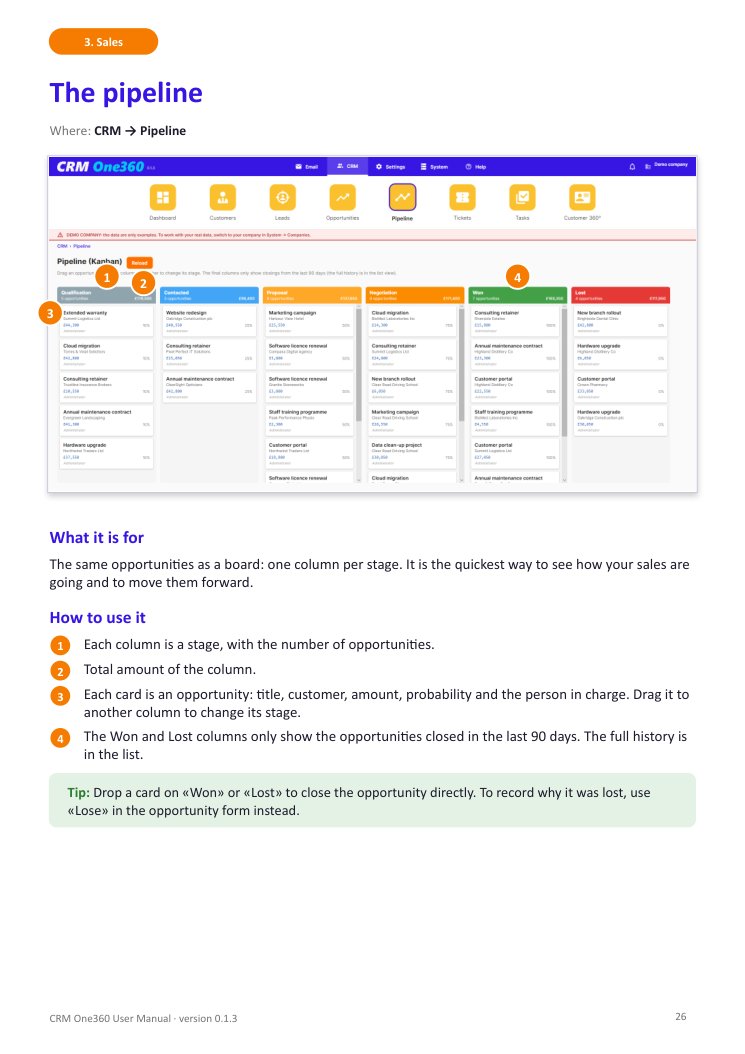
The numbered markers on each screenshot match the steps below it.

Contents of the manual
The contents
A page of the manual: the pipeline
A page: the pipeline
Other languages

The manual in the eleven languages of the program

Download the manual

A PDF you can save, print or read offline.